
AOP Screens
AOP Screens for Advanced AOP.
AOP Screens
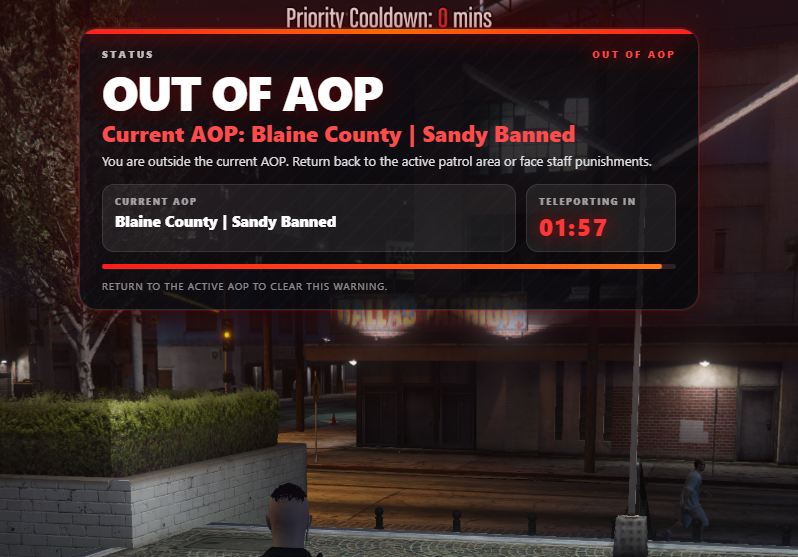
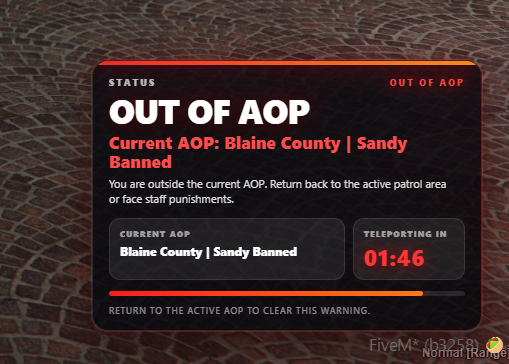
Advanced AOP includes two configurable warning screen styles. Upload screenshots to the docs assets folder using the file names below, then this page will display them automatically.
Available Screens
Config Setting
config.lua
-- 1 = main/top warning UI
-- 2 = secondary compact warning UI
Config.ScreenType = 1
Next
Common Issues & Fixes
→
Last updated October 6, 2026